Free preview
OpenAI Ads for WordPress: Context Hints Generator
Enter your website, services, and service areas. We read public pages and draft sample context hints for OpenAI Ads, the same way the WordPress plugin does. New to ChatGPT ads? Read the OpenAI Ads Guide.
Download the WordPress plugin
Install Max OpenAI Ads on your WordPress site to track ad visits, send conversion events, and save context hints in your dashboard.
Download plugin (zip)- Download the plugin zip below.
- In WordPress, go to Plugins → Add New → Upload Plugin.
- Choose the zip file and click Install Now, then Activate.
What the plugin does
-
Track ad results
See which visits and actions came from your OpenAI Ads campaigns.
-
Send conversion events
Report sign-ups, purchases, and custom events back to OpenAI Ads.
-
Context hints built in
Generate and score hints from your own site content inside WordPress.
Inside the plugin
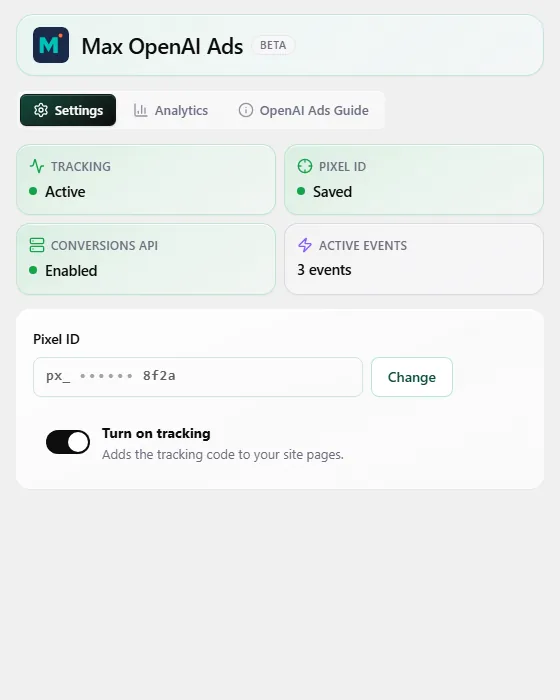
Pixel setup, context hints, ad performance, and conversion tracking, all from your WordPress dashboard.
-
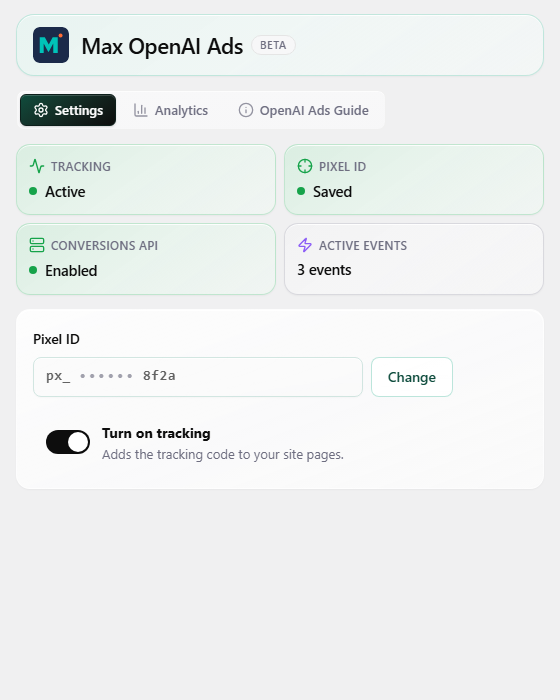
Pixel setup -
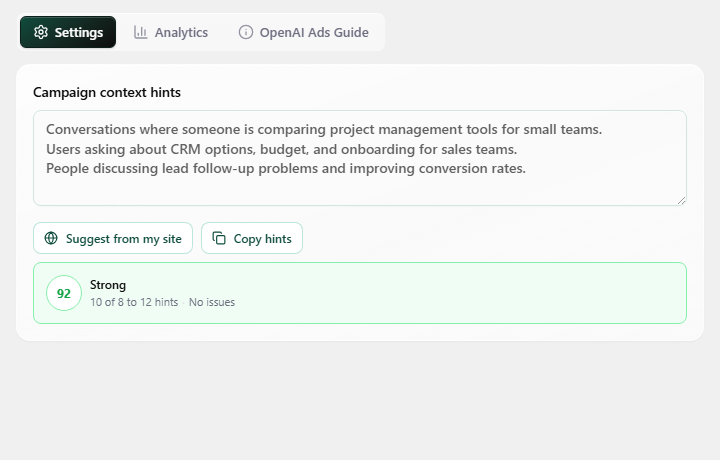
Context hints -
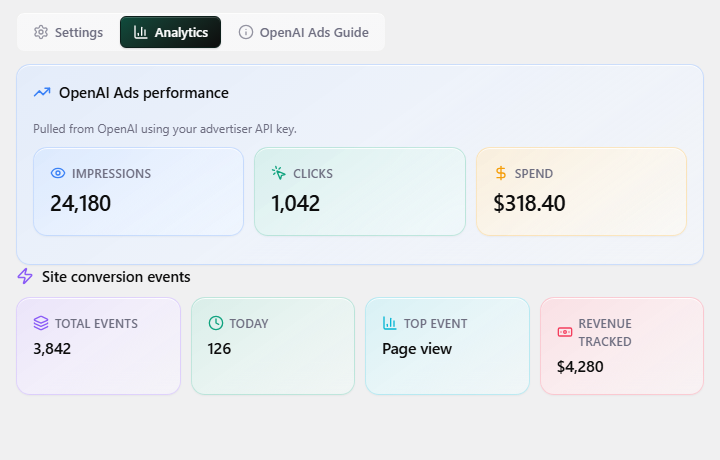
Ad performance -
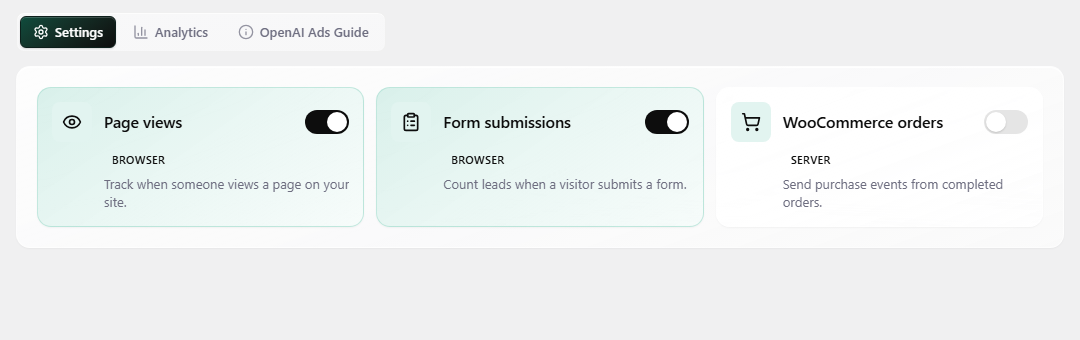
Conversion events